What is a stylish text generator?
A stylish text generator (or a fancy font generator) turns your plain letters into special letters that look like a different font. Type "hello" and you get 𝓱𝓮𝓵𝓵𝓸, 𝖍𝖊𝖑𝖑𝖔, or ⓗⓔⓛⓛⓞ.
Here's the trick: they aren't real fonts. Each special letter is its own character in the Unicode standard, the same list that holds emoji. That's why the look stays when you paste your text into a bio, a game name, or a chat. You'll find 30 styles on this page.
How to use the styles
- Step 1

Type your text
Type a word, your name, or a whole line. You'll see it in every style at once.
- Step 2
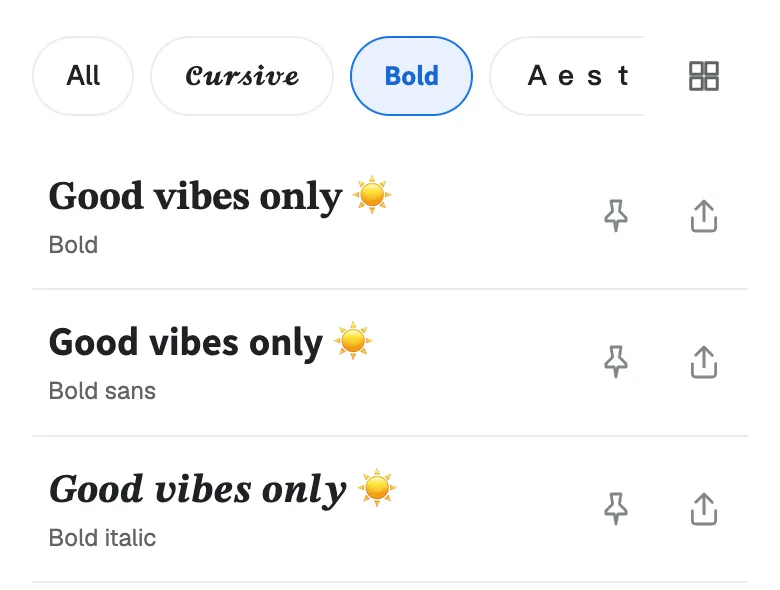
Pick a style
Scroll through the list, or tap a chip like Bold or Cute to see just that group.
- Step 3
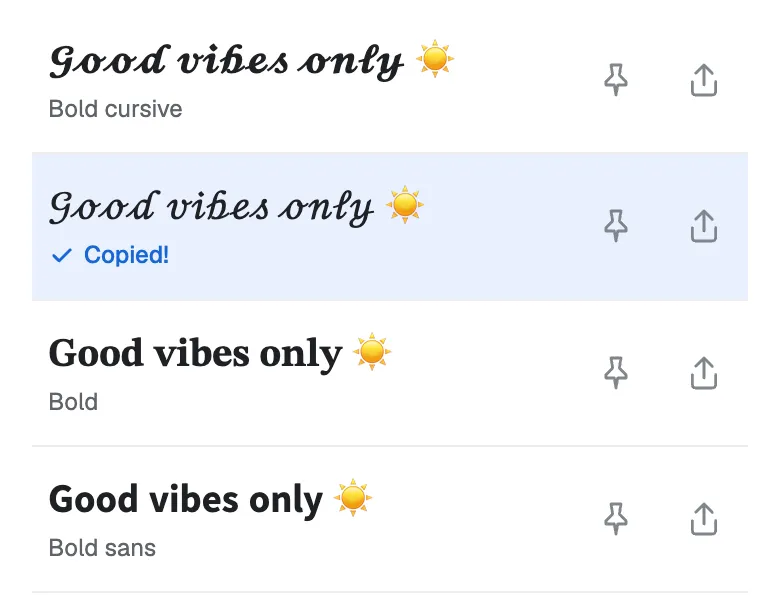
Tap to copy
Tap the one you like and it's copied. Now paste it into your bio, your game name, or a chat.
Found a favorite? Don't forget to tap the pin so it stays at the top. Your pins are saved in this browser.
Stylish text ideas to try
Need a starting point? Here are some ideas for names, bios, game names, channel names, posts, and chats. Each one shows its style. Tap “Try it” to see that style with your own text.
- 𝓜𝓪𝔂𝓪 𝓛𝓲𝓷Bold cursive
- ᴘᴏʀᴛʟᴀɴᴅ · ᴄᴏꜰꜰᴇᴇ · ᴘʟᴀɴᴛꜱSmall caps
- 𝕹𝖎𝖌𝖍𝖙𝕺𝖜𝖑Bold gothic
- ℝ𝕖𝕥𝕣𝕠 𝔹𝕪𝕥𝕖𝕤Double struck
- ⓞⓜⓖ ⓨⓔⓢBubble
- d̶i̶e̶t̶ s̶t̶a̶r̶t̶s̶ M̶o̶n̶d̶a̶y̶Strikethrough
- gg everyoneWide
- ƃuᴉppᴉʞ ʇsnɾUpside down
Where can people use stylish text?
To get you started, here are some stylish text inspirations for names, bios, posts, chats, and game names.
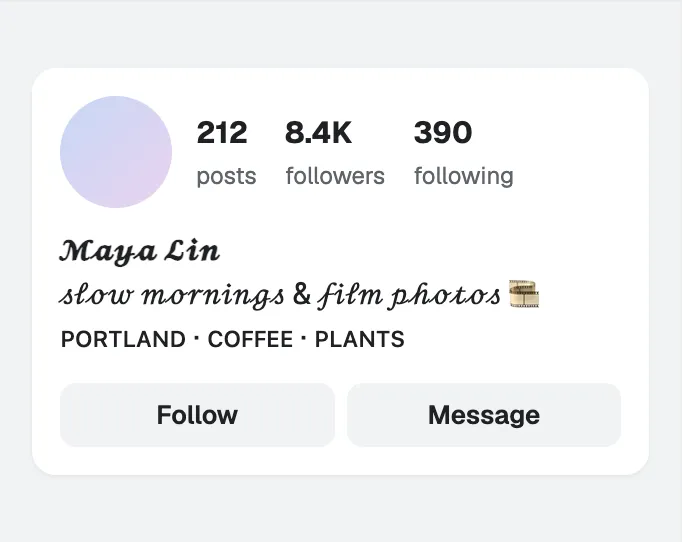
Instagram: name and bio 
TikTok: name and bio 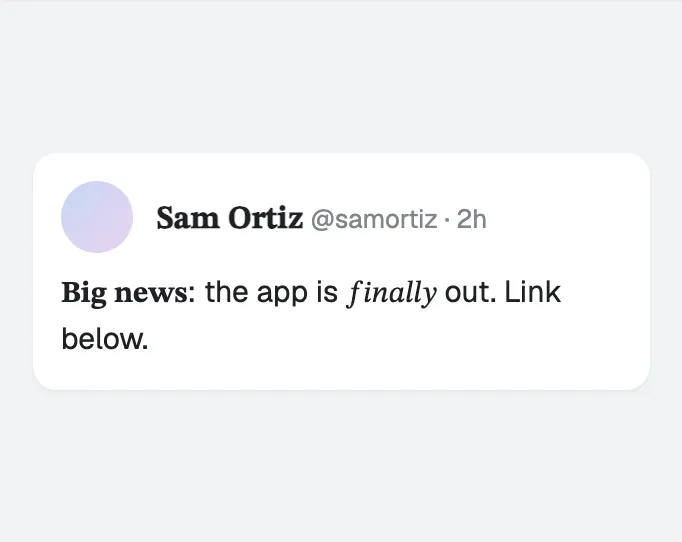
X: name and post 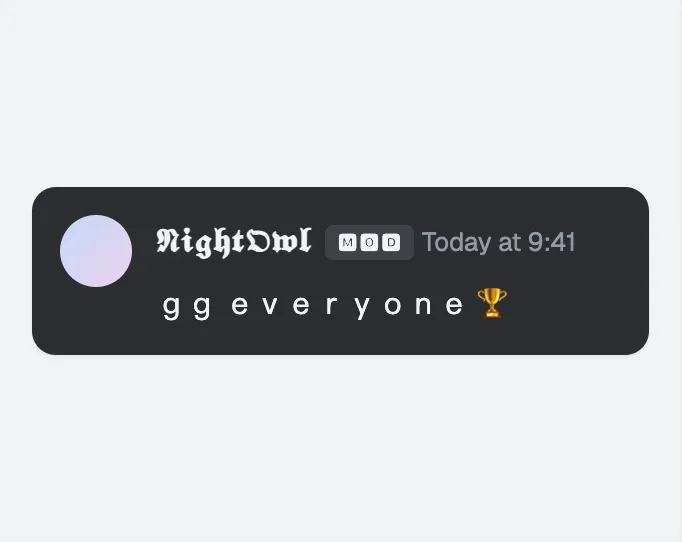
Discord: name, role, and message 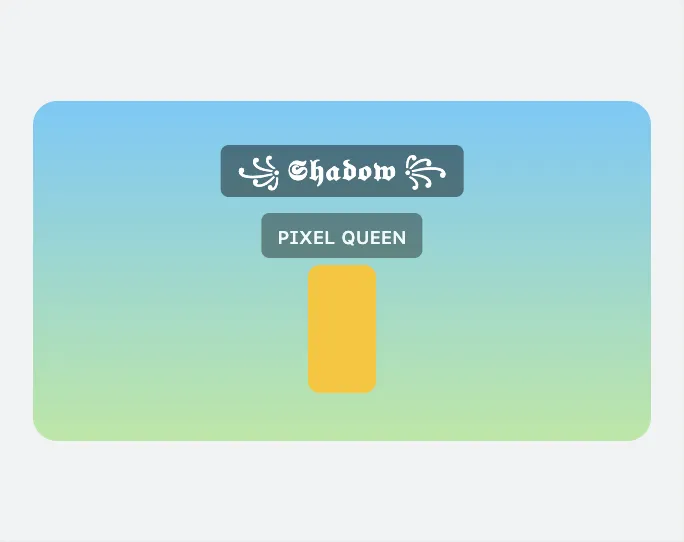
Roblox: game name 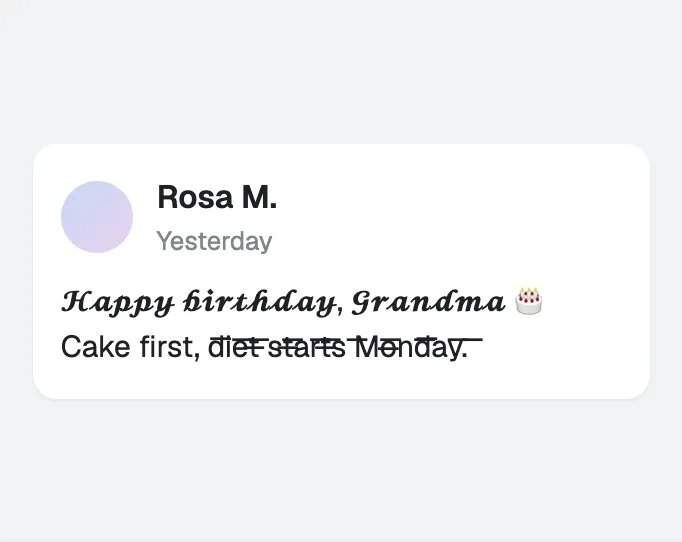
Facebook: post 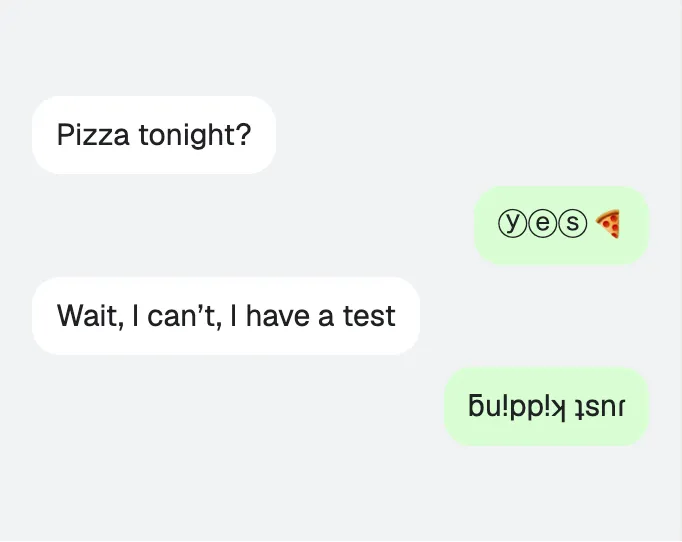
WhatsApp: chat 
YouTube: channel name 
Snapchat: display name 
LinkedIn: headline 
Minecraft: sign 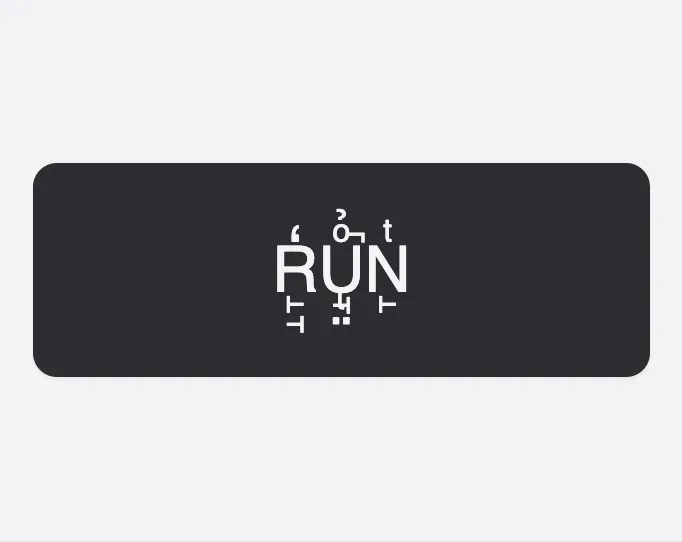
Game chat: one short word
Every app has its own rules, and some won't accept special letters in a name field. So check your text after you save it.
Where each style works best
Not every app or device shows the same special letters. Here's a quick guide.
| Style | Good for | Watch out for |
|---|---|---|
| Bold and italic | Making one key word pop in a post or a bio | App search may not find words in these letters |
| Cursive and gothic | Names, captions, and fantasy names | They're hard to read at a small size |
| Small caps | A clean name or a short heading | There's no small capital x, so x stays plain. The q may show as a box on older phones |
| Wide | A spaced-out, retro look | Each letter is twice as wide, so your line fills up fast |
| Bubble and square | Labels, numbers, and short words | Dark bubble and square only come in capitals |
| Upside down | A joke or a hidden line | Some letters and symbols don't have an upside-down version |
| Strikethrough and underline | Crossing out a word, or stressing one | The lines can look broken in a small text box |
| Glitch and creepy | Horror names and Halloween posts | Some apps strip out the extra marks |
Common mistakes with stylish text
- A username you have to type. Your keyboard has no keys for letters like ꧁ 𝕹𝖎𝖌𝖍𝖙𝕺𝖜𝖑 ꧂, so you'd have to copy and paste it every time you log in.
- Text that a program reads. Stick to plain letters in a payment note, an address, a form, or a search box. To a program, special letters are different characters.
- Too many glitch marks. The marks can spill into the line above. Save glitch text for a short name, not a long message.
- Important words. Screen readers can't read most styles, so keep your key message in plain text.
- Not checking after you save. Some sites quietly turn special letters back into plain ones. Take a quick look after you save.
More fonts to try
- Cool fonts: wing frames, gothic letters, and other bold looks for names and game tags.
- Christmas fonts: festive styles with trees, snowflakes, and bells for your holiday messages.
Stylish text generator FAQ
Is Stylish Texts free?
Yes. Stylish Texts is free to use, supported by ads. You don't need an app or an account.
Why do I see boxes in place of letters?
Your phone or computer doesn't have a picture for that letter yet. It happens a lot on older devices. Try a different style, or update your device.
Why did my name change back to normal letters?
Some apps turn special letters back into plain ones when you save, and some name fields won't take them at all. It's worth checking your name after you save it.
How do I change stylish text back to normal text?
Just paste it into the box at the top. The box turns letter styles like cursive, bold, gothic, bubble, and small caps back into plain letters, so you can copy them from there. Frame symbols (♡, ꧁) and upside-down text stay as they are.
Do the styles work with other alphabets?
Most styles only have special letters for A to Z and the digits 0 to 9. Other letters, like é or ж, stay as they are.
Can I use the styles in Word or Google Docs?
Yes. They paste as text, not as a picture. Your document may show some letters in a different typeface, though.
Can screen readers read stylish text?
Mostly not. A screen reader may read each letter one by one, or skip it. For anything important, stick to plain text.